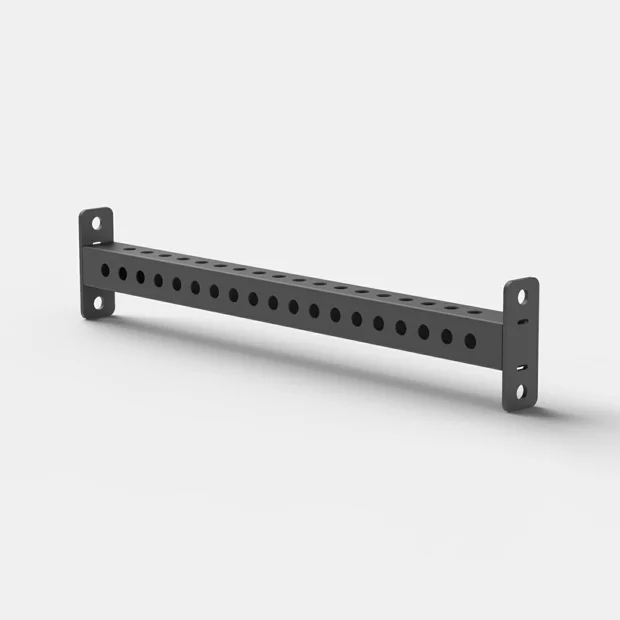
SPARTA · SP.BEAM-TUBE1040mm
Length profile for rig - 1040 mm
SPARTA SINGLE 80/80 BEAM TUBE length profile 1040mm
Specifications, Photos & Quantities →
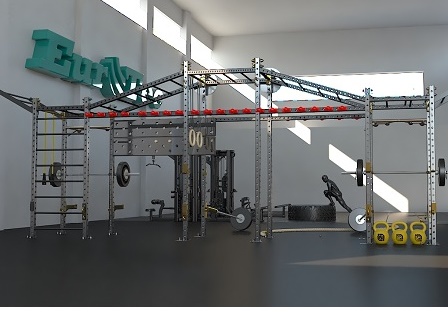
Every component fits into the plan.
Posts, beams, brackets and attachments come together as one system. Choose components to suit the plan and the equipment they connect to, so dimensions and connections work together.
62 products
SPARTA SINGLE 80/80 BEAM TUBE length profile 1040mm
Specifications, Photos & Quantities →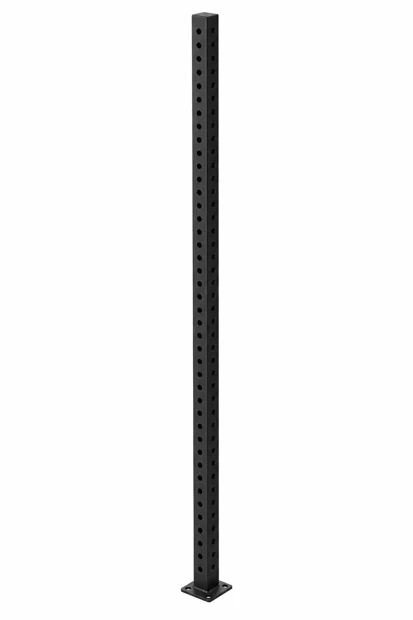
AI illustration
SPARTA · SP.TUBE-80/80/2300mmPRSparta profile, matte black color, height 2300mm
Specifications, Photos & Quantities →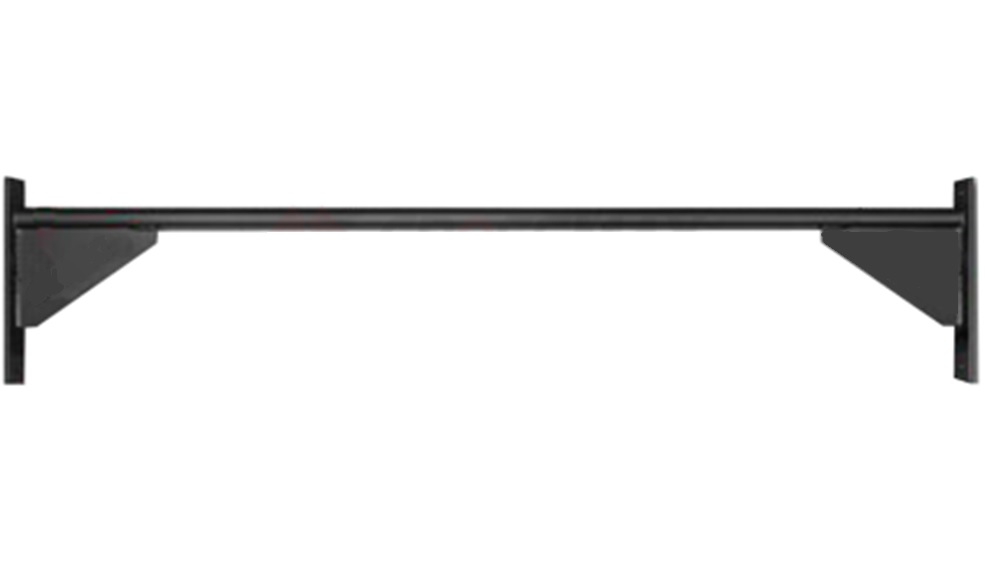
the image of the component family; The length according to the SKU
SPARTA · SPARTA-BEAM-BAR1040mmLength tension SPARTA SINGLE BEAM BAR 1040mm
Specifications, Photos & Quantities →
Product image from the ZIVA catalog · The configuration according to the selected model
ZIVA · ZFS-XACS-6773Dedicated bracket for integrating a screen into the INFINITY system. The suitability of the screen, connections and installation is checked in the project specification.
Specifications, Photos & Quantities →
Product image from the ZIVA catalog · The configuration according to the selected model
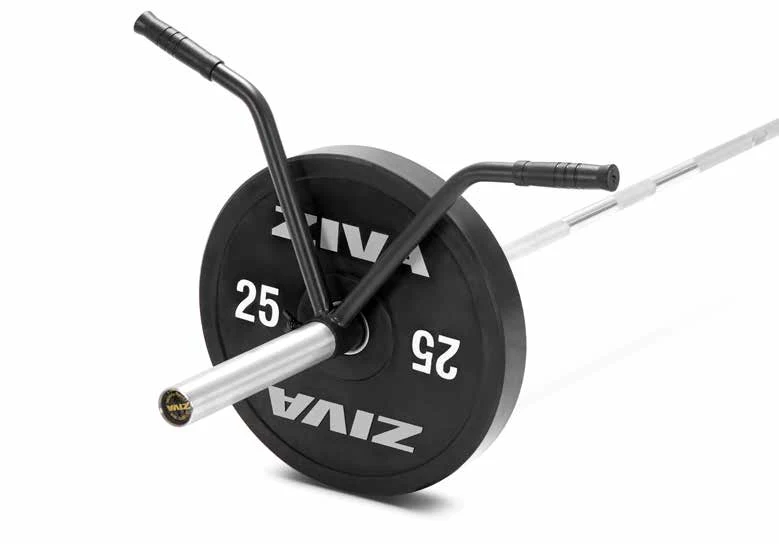
ZIVA · ZXP-RGAT-0993A bracket for placing a rod on a rig or compatible power stand. Choose the type of bracket and the series according to the training system.
Specifications, Photos & Quantities →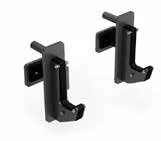
Product image from the ZIVA catalog · The configuration according to the selected model
ZIVA · ZXP-RGAT-0973A bracket for placing a rod on a rig or compatible power stand. Choose the type of bracket and the series according to the training system.
Specifications, Photos & Quantities →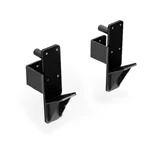
Product image from the ZIVA catalog · The configuration according to the selected model
ZIVA · ZXP-RGAT-4785-BKA bracket for placing a rod on a rig or compatible power stand. Choose the type of bracket and the series according to the training system.
Specifications, Photos & Quantities →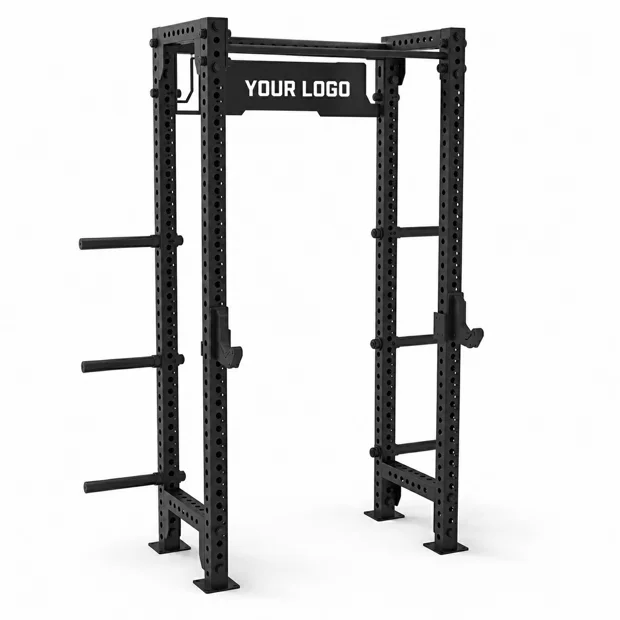
Customized Sparta logo profile, length 1040mm
Specifications, Photos & Quantities →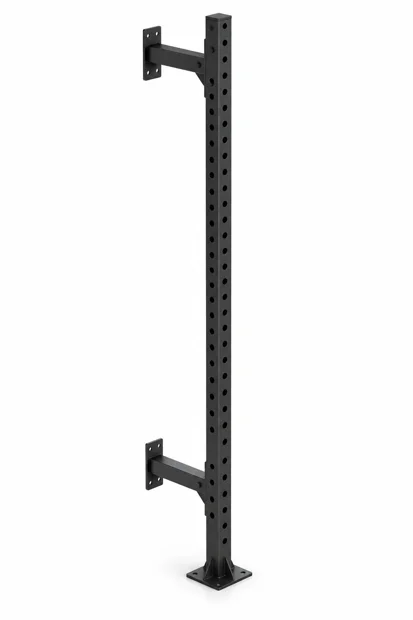
AI illustration
SPARTA · SP-RIG.2.5/ACCESS-WALLRig accessories column 80/80 depth 360mm height 3000mm matte black grained
Specifications, Photos & Quantities →A family photo
SPARTA · SP.BEAM-TUBE1500mmSPARTA SINGLE 80/80 BEAM TUBE length profile 1500mm
Specifications, Photos & Quantities →SPARTA SINGLE 80/80 BEAM TUBE length profile 1800mm
Specifications, Photos & Quantities →A family photo
SPARTA · SP.BEAM-TUBE2000mmSPARTA SINGLE 80/80 BEAM TUBE length profile 2000mm
Specifications, Photos & Quantities →A family photo
SPARTA · SP.BEAM-TUBE590mmSPARTA SINGLE 80/80 BEAM TUBE length profile 590mm
Specifications, Photos & Quantities →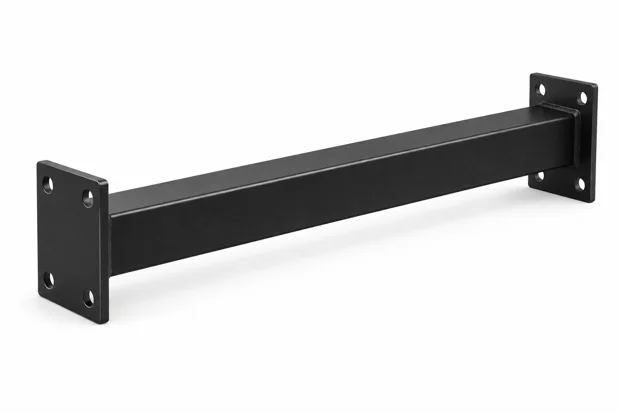
AI illustration
SPARTA · SP.BEAM-WALL-1000mmRig profile for wall length 1000mm 80/80mm WALL TO RIG
Specifications, Photos & Quantities →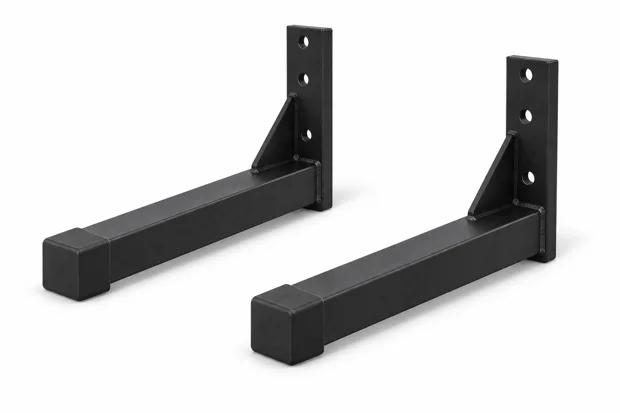
AI illustration
SPARTA · SP.Front.Support-LEGSupport legs for the rack Front support angle for the Sparta rack
Specifications, Photos & Quantities →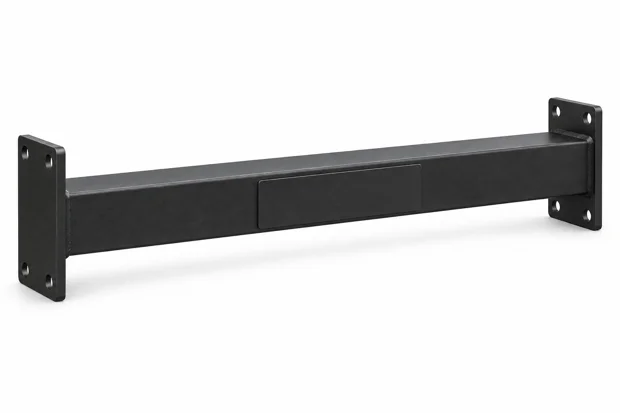
AI illustration
SPARTA · SP.LOGO-TUBE1040mmSPARTA SINGLE 80/80 BEAM TUBE 1040mm - SPARTA LOGO
Specifications, Photos & Quantities →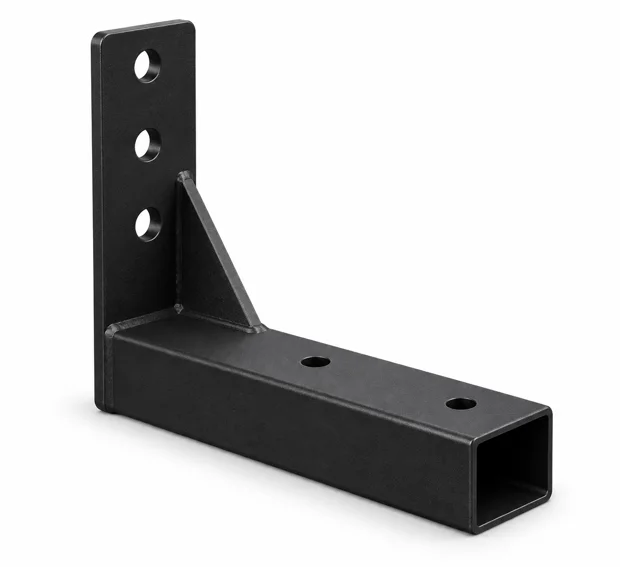
AI illustration
SPARTA · SP.Support BaseSPARTA SUPPORT BASE stability connection
Specifications, Photos & Quantities →AI illustration
SPARTA · SP.TUBE-80/80/2450mmPRSparta profile, matte black color, height 2450 mm
Specifications, Photos & Quantities →AI illustration
SPARTA · SP.TUBE-80/80/2500mmPRSparta profile, matte black color, height 2500mm
Specifications, Photos & Quantities →AI illustration
SPARTA · SP.TUBE-80/80/2700mmPRSparta profile, matte black color, height 2700 mm
Specifications, Photos & Quantities →AI illustration
SPARTA · SP.TUBE-80/80/3000mmPRSparta profile, matte black color, height 3000mm
Specifications, Photos & Quantities →AI illustration
SPARTA · SP.TUBE-80/80/3500mmPRSparta profile, matte black color, height 3500mm
Specifications, Photos & Quantities →AI illustration
SPARTA · SP.TUBE-80/80/4000mmPRSparta profile, matte black color, height 4000mm
Specifications, Photos & Quantities →AI illustration
SPARTA · SP.TUBE-80/80/4850mmPRSparta profile, matte black color, height 4850 mm
Specifications, Photos & Quantities →Showing 24 out of 62
Start with the model, series and dimensions of the existing or planned installation.
Check section dimensions, hole spacing, connectors and compatibility. A similar appearance in a photo is not enough.
Bring the components into one list and check the installation sequence and anchoring.
A plan, measurements or an initial idea: start with what you have, and we will refine it together.